Touch it
Compare existing switches with personalised SmartNode touch panels and scene controls.


SmartNode Experience Center · Pune
Explore lights, fans, curtains, climate, entertainment and access working through scenes, touch, app and voice. The Pune center is owned and operated by All Home Living LLP.
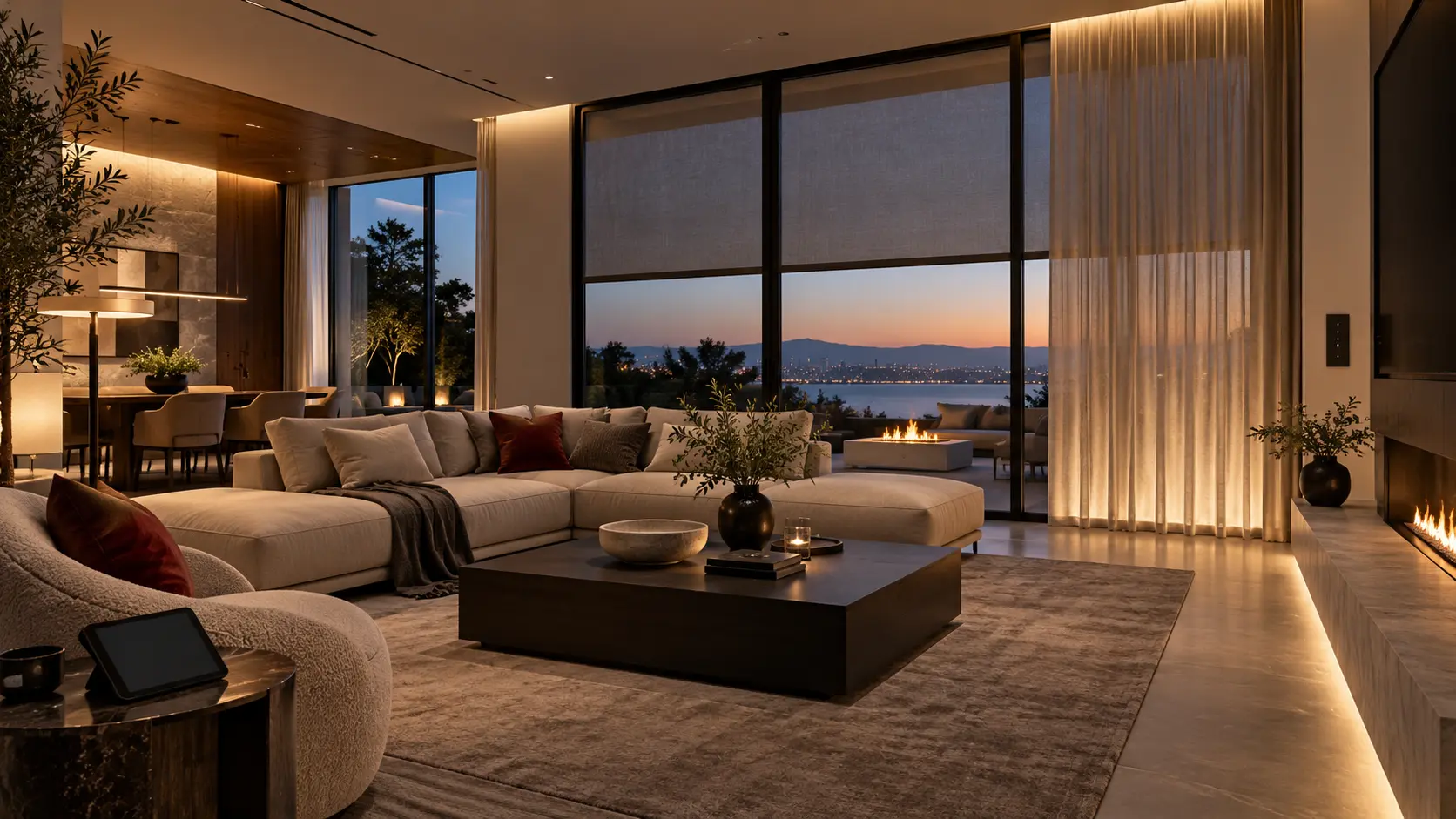
A working demonstration, not a catalogue
A useful smart home begins with routines, rooms and the people who will operate it.
At the Pune Experience Center, homeowners and project teams can compare control methods, build practical scenes and understand what belongs behind the switchboard before products are specified.
SmartNode home automation overviewCompare existing switches with personalised SmartNode touch panels and scene controls.
Try arrival, entertaining, movie and night routines across lighting, curtains and comfort.
Review layouts, connected loads, switchboards, curtain tracks and interfaces with AHL.
Choose the right project path
SmartNode supports both approaches. The right answer depends on the electrical layout, connected loads, interior details and how much control the project needs.
SmartNode’s compact Wi-Fi devices are designed to fit behind existing switchboards and work with traditional switches or touch panels. A site survey confirms box depth, wiring and load compatibility before installation.
Early planning allows lighting circuits, DALI, curtain power, network, access and AV control to be resolved with the architect, interior designer and electrical team.
SmartNode ecosystem
Explore each layer individually, then connect only what creates a clear, useful routine for the home.
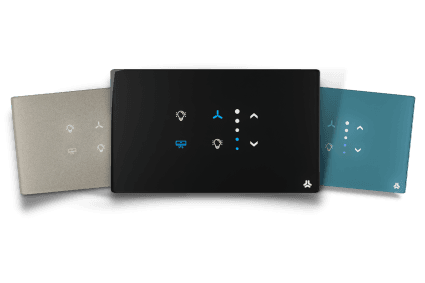
Control lights, fans, curtains and scenes from familiar switches or customised touch panels in multiple module sizes, materials and finishes.
Official touch-panel details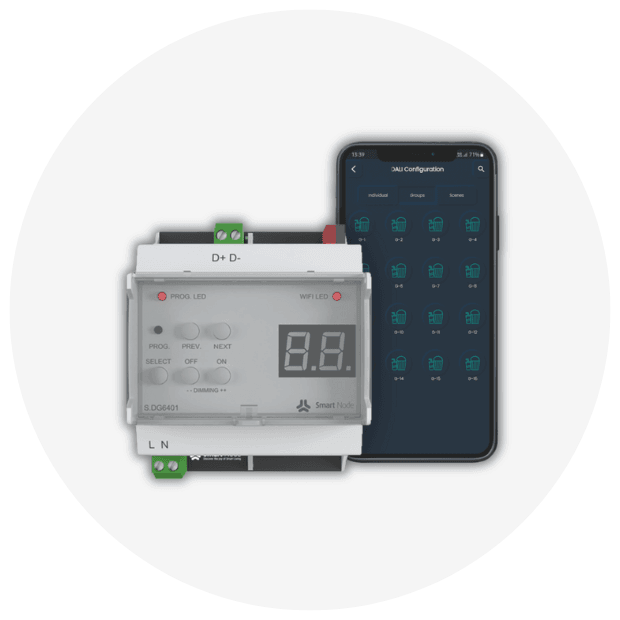
Build mood-based scenes with switching, phase-cut dimming, tunable white and RGBW. SmartNode’s DALI range supports DT6 and DT8 lighting.
Official DALI details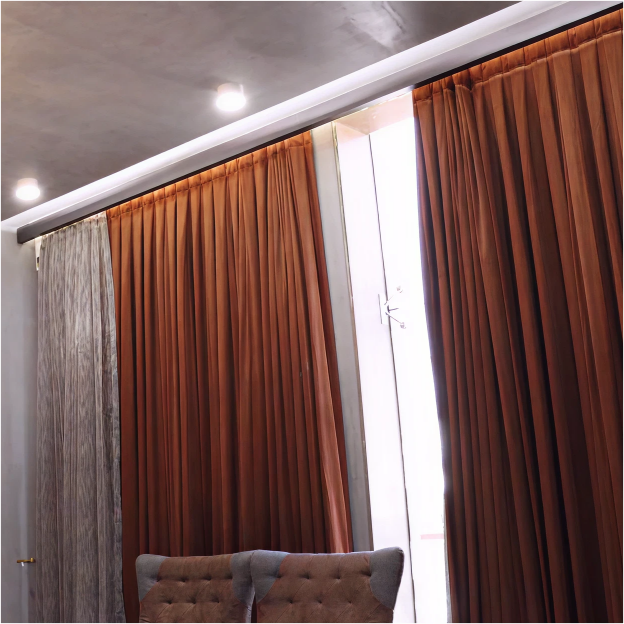
Schedule or scene-control straight and L-shaped curtain tracks. SmartNode lists Curtain Flow, Curtain Core, plus single and dual controllers.
Official curtain details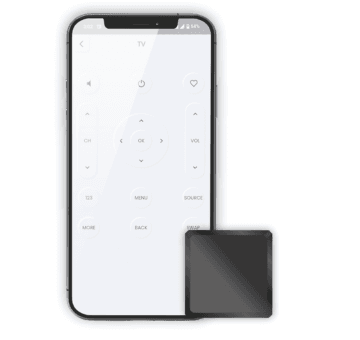
Bring compatible ACs, TVs, projectors, set-top boxes and AV receivers into app, voice and scene control using IR devices.
Official HVAC / AV details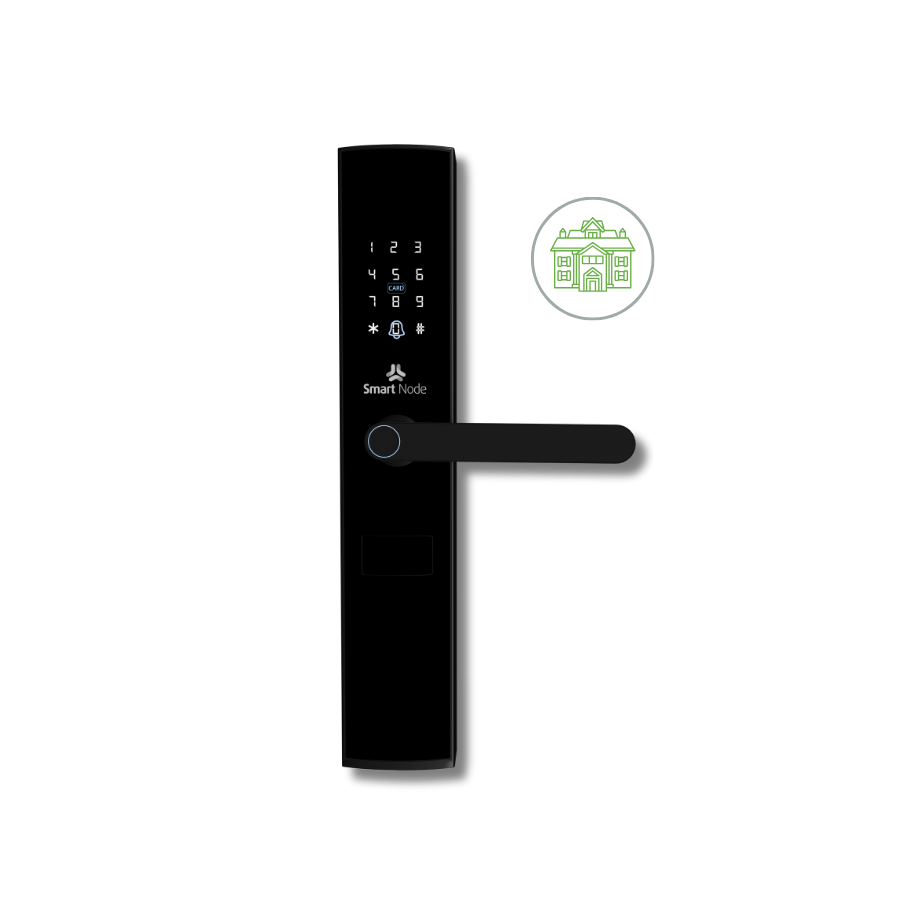
Connect digital locks and compatible door or gate controllers to remote operation, activity awareness and arrival routines.
Official security details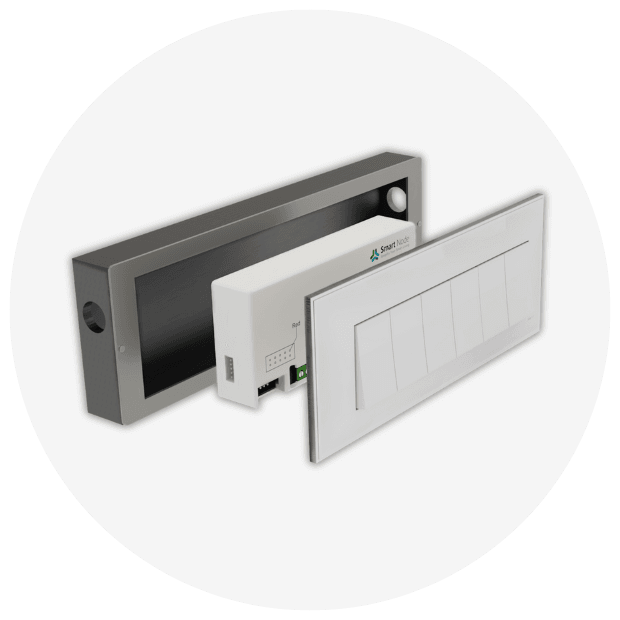
Operate the home remotely, create schedules and scenes, and connect supported devices with Amazon Alexa or Google Home.
Official integration details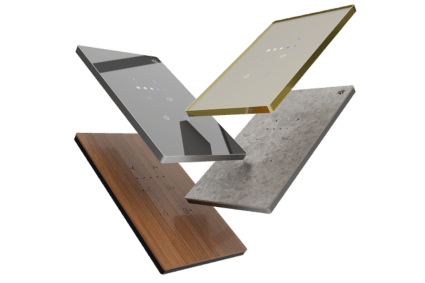
Controls belong to the interior
SmartNode’s touch panels are designed as front-end controls for its modular devices. The brand lists 2, 4, 6, 8, 12, 16 and 18-module formats, with customised sizes available.
MaterialWood · Acrylic · Glass · Marble
BezelRose Gold · Silver · Chrome
DetailsCustom colour · Engraved icons · Modular layouts
OperationLights · Fans · Curtains · Scenes · Appliances

Four useful ways to operate
Use a physical switch when walking into a room, a touch panel for a scene, the app when away, or voice when hands are occupied. Preset schedules can continue without an internet connection on supported SmartNode devices.
Scenes worth demonstrating
These are planning examples, not fixed packages. AHL programs the final actions around your rooms, equipment and household.
Curtains open, selected lights rise and comfort systems move toward the day setting.
Entry, circulation lighting and preferred comfort settings come together in one action.
Curtains close, lights dim and compatible entertainment equipment prepares for viewing.
Common lights and appliances switch off while selected security and pathway actions remain.
Questions beyond convenience
SmartNode states that its IoT data is stored on Indian servers and protected using AES-128 encryption.
The brand advertises a five-year replacement warranty. Confirm product eligibility and current terms before specification.
Supported devices can execute preset schedules without internet; local control and physical switches remain important parts of the design.
From showroom to site
AHL translates the demonstration into a room-by-room scope that the project team can review and build.
Rooms, routines, users, project stage and priorities.
Loads, switchboards, wiring, network and motor requirements.
Interfaces, circuits, curtain points, AV and access with the design team.
Installation, scenes, user setup, testing and handover.
Before your demonstration
Final system design depends on site conditions, compatible loads and the selected SmartNode products.
Often, yes. SmartNode’s compact Wi-Fi modules are designed for retrofit installation behind existing switchboards. A site survey is still needed to confirm box depth, neutral wiring, load type and capacity.
The SmartNode range covers lighting, fans, curtains, compatible appliances, HVAC and entertainment equipment, digital locks, door and gate control. The exact scope is selected room by room.
Yes—especially during a new build or renovation. Early coordination helps resolve keypad positions, lighting circuits, DALI, curtain pockets, power, network and AV interfaces before finishes.
Bring the floor plan, electrical or reflected-ceiling plan if available, the project stage, and a shortlist of daily routines you want the home to perform.
Bring your floor plan
Appointments are recommended so the AHL team can prepare a relevant demonstration for your home, project stage and preferred level of control.
Send an enquirySmartNode Experience Center
Shop No. 9, Millennium StarSmartNode enquiry · Pune
Share the property type, project stage and controls that matter to you. The AHL team will use your brief to prepare the right next conversation or Experience Center demonstration.